
United Kingdom UK Passport — 35×45 mm (413×531 px)
UK passport photo size is 35×45 mm. Create a light-background biometric photo online for GOV.UK digital applications and printed renewals.
Specifications
- Required size
- 35×45 mm (413×531 px)
- DPI
- 300
- Background
- Light Gray
- Max file size
- 500 KB
Requirements
- Neutral expression
- No glasses
- Plain light background
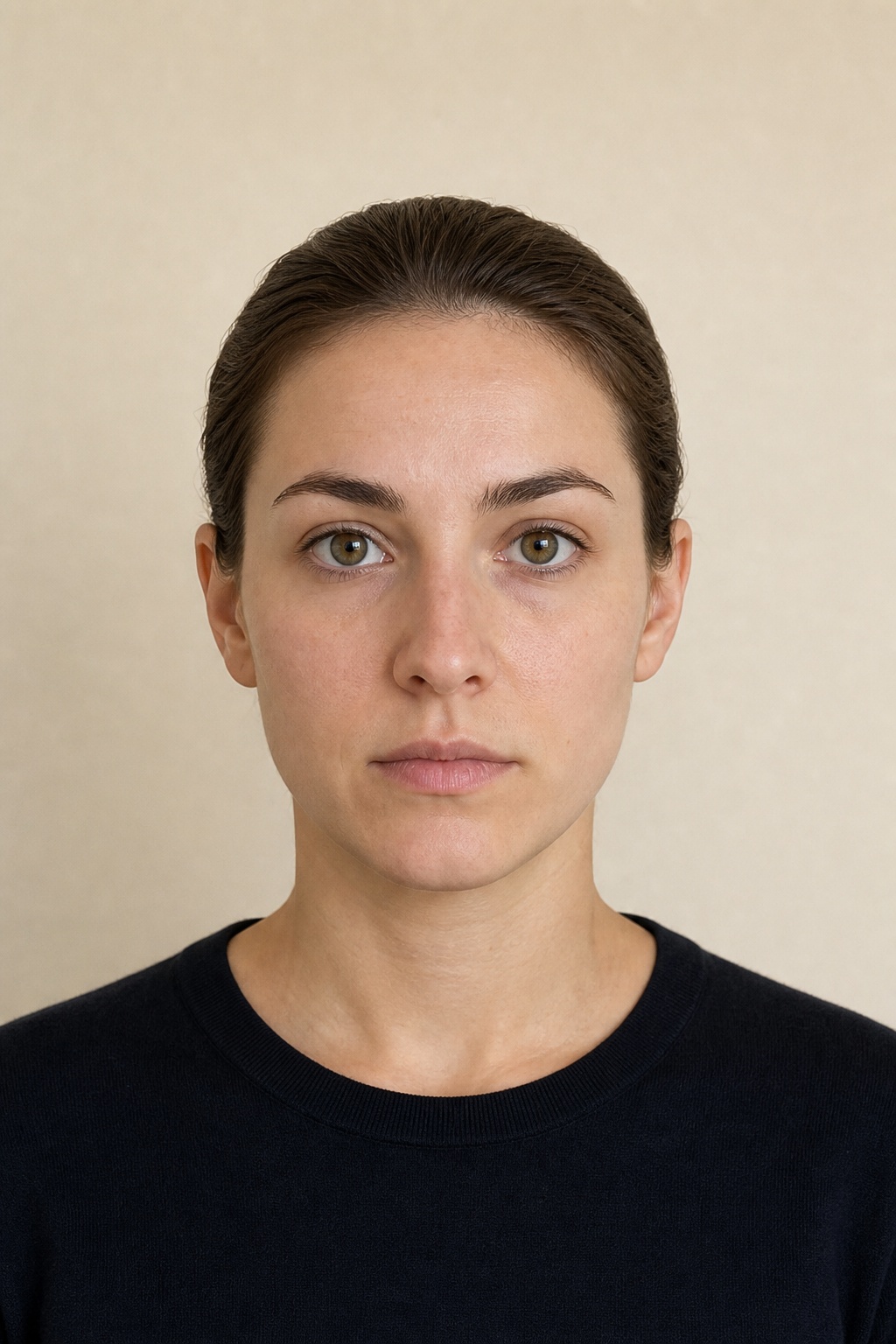
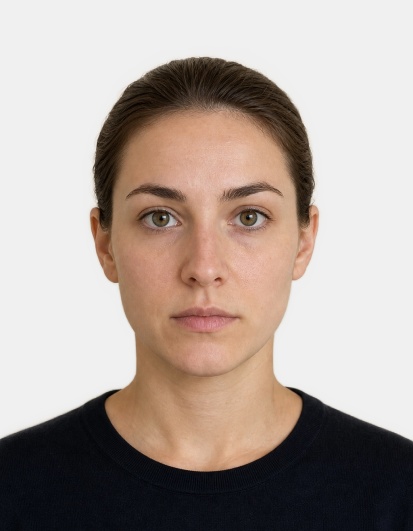
Side-by-side comparison
Before
After
UK passport photo requirements
HM Passport Office expects a 35×45 mm portrait on a plain light-coloured background — typically light grey rather than bright white. Digital files are commonly prepared around 413×531 pixels at 300 DPI. Expression must be neutral, mouth closed, and eyes open toward the camera.
Glasses are generally not accepted for UK passport photos. Hats and head coverings are only allowed for religious or medical reasons and must not hide the face outline. The face should fill most of the frame without looking cropped at the chin or forehead.
Online vs printed applications
If you renew online, GOV.UK asks you to upload a digital photo that passes automated checks for face position, background and sharpness. Printed applications still need compliant physical prints of the same proportions.
Upload a clear front-facing selfie to PhotoGov, choose UK Passport, and download a correctly sized JPEG with a light background prepared for digital or print use.
Practical tips
- Stand against a plain wall; PhotoGov can still normalize the background colour.
- Keep your chin level and look straight ahead.
- Avoid heavy makeup glare and reflective jewellery near the face.
- Check that both eyes are equally visible and in focus.
Common rejection reasons
- Dark or busy background
- Smile or raised eyebrows
- Glasses reflections or frames covering the eyes
- Face too small or too close in the frame
PhotoGov sizes images to the published dimensions for this document type. We do not guarantee that any authority will accept the file. Always check the latest instructions on the official portal before you upload.
Make uk passport photo now