
United States US Visa — 51×51 mm (600×600 px)
US visa photo size is 2×2 inches (51×51 mm / 600×600 px), same as a US passport photo. Make a white-background DS-160 photo online for nonimmigrant visa applications.
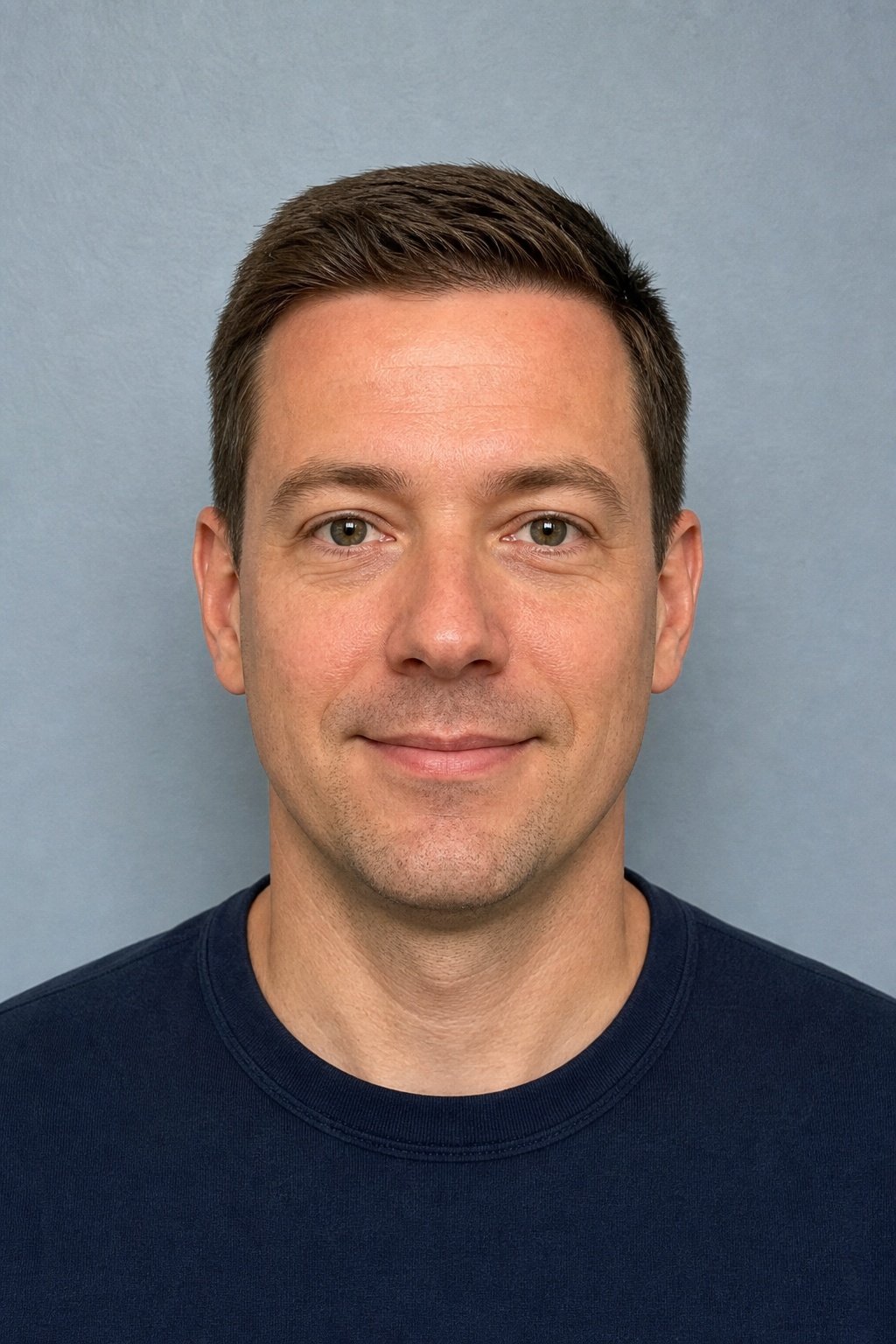

Specifications
- Required size
- 51×51 mm (600×600 px)
- DPI
- 300
- Background
- White
- Max file size
- 240 KB
Requirements
- Same as US Passport 2x2 inch
Side-by-side comparison
Before
After
US visa (DS-160) photo requirements
A United States nonimmigrant visa photo follows the same 2×2 inch (51×51 mm) rule as a US passport photo. For the DS-160 online form the digital file is typically 600×600 pixels, JPEG format, with a plain white background and a file size under about 240 KB.
Face the camera directly with a neutral expression and mouth closed. Eyes must be open and visible. Glasses are not accepted for US visa photos. Hats and head coverings are only allowed for religious reasons when the full face remains unobstructed.
Uploading to DS-160 and embassy portals
DS-160 rejects photos that fail automated checks for head size, eye position, background colour or image quality. Starting from the US Visa preset avoids using a casually cropped selfie that looks fine to you but fails the portal validator.
Take a well-lit front-facing portrait, choose US Visa in PhotoGov, and download a white-background square JPEG prepared for DS-160 or printed visa application packets.
Practical tips
- Use the same careful lighting you would for a US passport photo.
- Do not smile; keep lips closed and expression neutral.
- Remove glasses before shooting — reflections cause automatic rejection.
- Confirm the file is square (1:1) before uploading to DS-160.
Common rejection reasons
- Non-white or shadowed background
- Head too large, too small, or off-center
- Glasses, headphones, or hair covering the eyes
- File too large, wrong format, or not 600×600 px
PhotoGov sizes images to the published dimensions for this document type. We do not guarantee that any authority will accept the file. Always check the latest instructions on the official portal before you upload.
Make us visa photo now