
DV Lottery Photo Size 600×600 px
Square JPEG for Diversity Visa digital entry — check whether registration is open, then size a compliant photo.
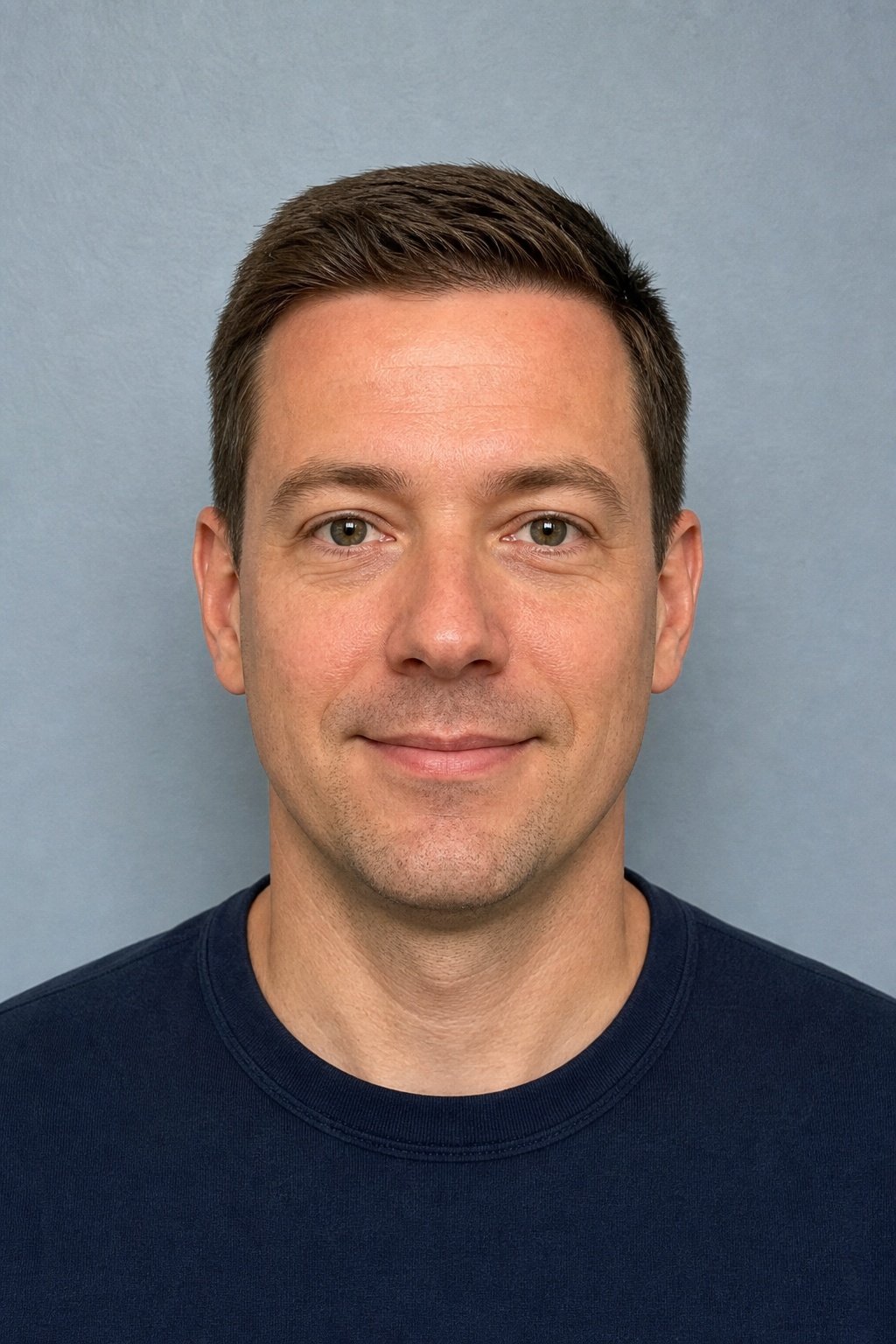
For an online Diversity Visa (DV) entry, prepare a colour square JPEG that is exactly 600×600 pixels (51×51 mm at 300 DPI in this preset), typically under 240 KB, on a plain white background. The photo must be taken within the last six months, must not be digitally altered in a way that changes your face, and must not be a reuse of a prior year’s DV entry photo.

Specifications
- Required size
- 51×51 mm (600×600 px)
- DPI
- 300
- Background
- White
- Max file size
- 240 KB
Requirements
- US DV Lottery 600x600 px
- White background
Side-by-side comparison
Before
After
DV lottery photo rules (digital entry)
Official Diversity Visa digital-image rules require a recent likeness: take the photograph within the last six months so it shows your current appearance. Do not submit a photo you already used with a past year’s DV entry.
Do not edit, filter, retouch, or otherwise manipulate the image in a way that alters your facial appearance (including beauty filters or background swaps that change how you look). The Department of State warns that manipulated photos can make you ineligible.
File basics for online entry: square JPEG, exactly 600×600 pixels. This PhotoGov preset uses a 51×51 mm print reference at 300 DPI and a white background, matching the size shown in the specifications table above. Always re-check the current instructions on travel.state.gov before you upload on the official entry site.
Where to enter (and what to avoid)
Only the official Electronic Diversity Visa site at dvprogram.state.gov accepts program entries. Paid third-party “registration,” “entry,” or “lottery application” websites are not the Department of State. Preparing a correctly sized photo here does not register you for the DV program.
If a court-ordered opening date arrives, read the year’s instructions on travel.state.gov, then enter once at dvprogram.state.gov with a compliant photo ready. PhotoGov does not file DV entries or check selection status for you.
Make a 600×600 DV photo with PhotoGov
Choose DV Lottery Photo, upload a clear front-facing portrait taken in soft light against a plain wall, and download the sized JPEG. Confirm the file is square, 600×600 pixels, and within the published size limit before you use it on dvprogram.state.gov.
If your DV photo was rejected before, see our guide on common rejection causes and how to fix the file before the next registration window.
Practical tips
- Shoot a fresh photo within six months of entry — do not reuse last year’s DV upload.
- Avoid beauty filters, face-smooth apps, and tools that reshape the face.
- Export as JPEG, exactly 600×600 px; check file properties before uploading.
- Enter only at dvprogram.state.gov when registration is open.
Common rejection reasons
- Not exactly 600×600 pixels, not square, or not JPEG
- Photo older than six months or reused from a prior DV entry
- Editing, filters, or retouching that alters facial appearance
- Background not plain white / off-white, or glasses in the photo
PhotoGov sizes images to the published dimensions for this document type. We do not guarantee that any authority will accept the file. Always check the latest instructions on the official portal before you upload.
Make dv lottery photo photo now